 SynthMaker
A pattern from steps
A picture can be a patch too: a chain of small steps, each a module, wired into a Screen. SynthMaker turns the chain into a shader, a program the graphics chip runs for every pixel, and draws it live.
New words
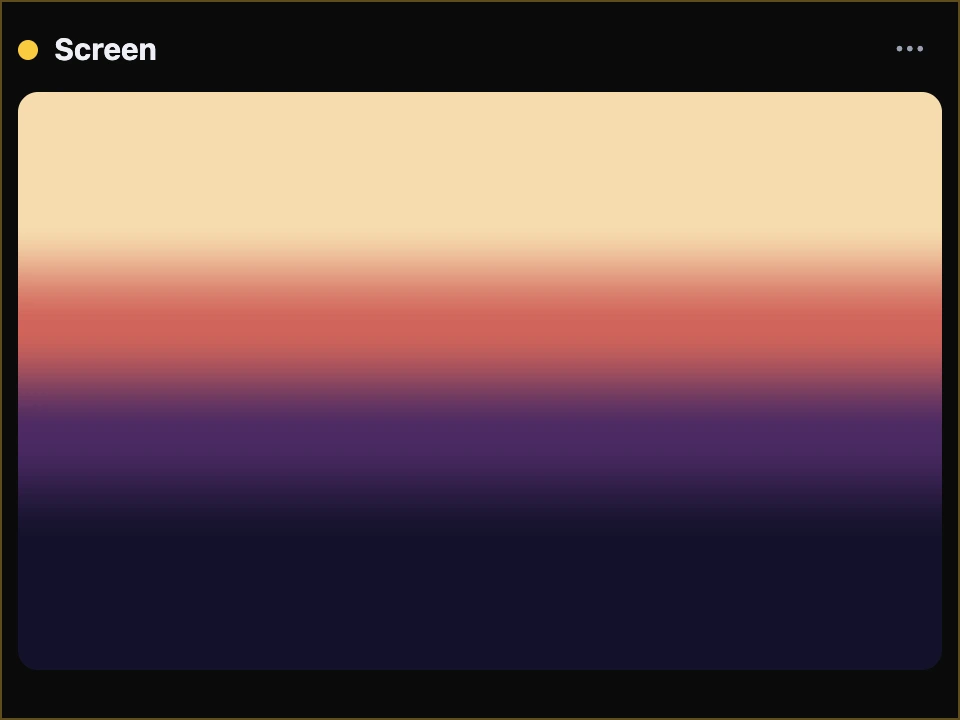
The Screen is the module that shows the picture: wire a pattern into it and it draws on its card.
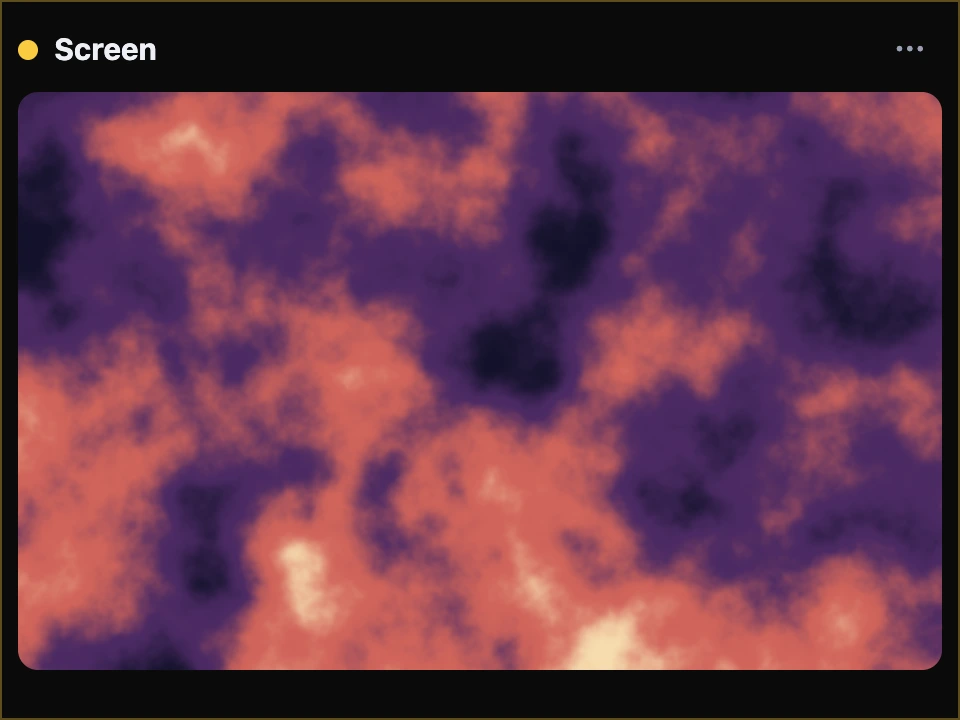
A field is a number for every point of the picture: ask it anywhere and it answers, changing smoothly from place to place.
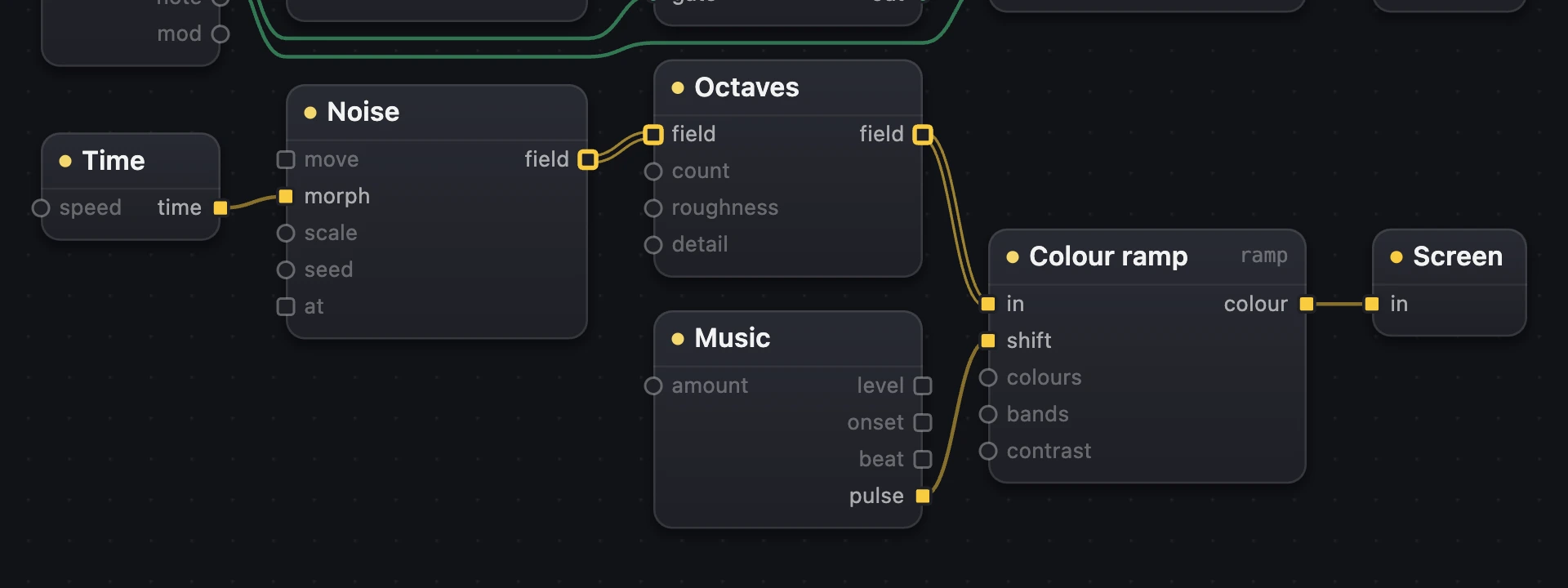
The pattern's modules are yellow boxes on yellow wires: what they carry is a picture's numbers, points and colours, not sound.
1A colour ramp into a Screen
- Choose + Add a module, then Shader patches, and add a Colour ramp and a Screen (from Visuals).
- Wire the ramp's
colourinto the Screen'sin.
With nothing wired into it, the ramp paints the picture top to bottom in one of its palettes: Dusk, Lagoon, Ember or Paper.
2Noise, then Octaves: clouds
Noise is a field of soft blobs. Through Octaves it's asked several times, each finer and fainter, and added up, the way clouds have big shapes and small ones. Into the Colour ramp's in, the ramp paints each pixel by the field's number there.
- Noise: Scale zooms, Seed picks another pattern; a wire into
morphslowly changes the shapes, intomovemakes them drift. - Octaves: Count is how many (4.5 adds half of the fifth), Roughness how strong the fine ones are, Detail how much finer each is.
- Colour ramp: Bands repeats the ramp back and forth, which turns clouds into marble; Contrast spreads the colours.

- Noise: soft blobs.
- Octaves: finer and finer.
- The Colour ramp paints it.
- The Screen shows it.
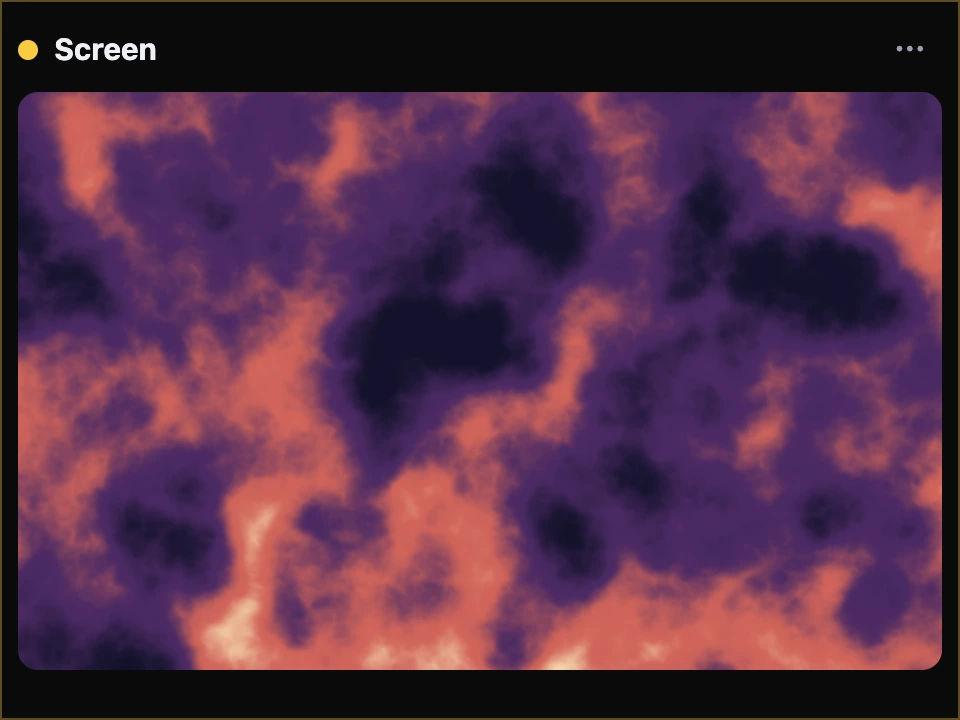
move.
Try it
- Open Clouds and turn the Colour ramp's Colours through its four palettes.
- Set Bands to 3: clouds become marble.
- Turn Octaves' Count down to 1: one soft blob layer.
On the Mac the same chain is written in Metal by the same compiler; its pictures are checked against the web's, pixel by pixel.
Remember
- Shader modules are a chain of steps into a Screen; their wires are yellow.
- Noise is a field; Octaves adds it to itself, finer and finer; the Colour ramp paints it.
- Knobs turn the picture live; a problem is said in words on the Screen's card.